
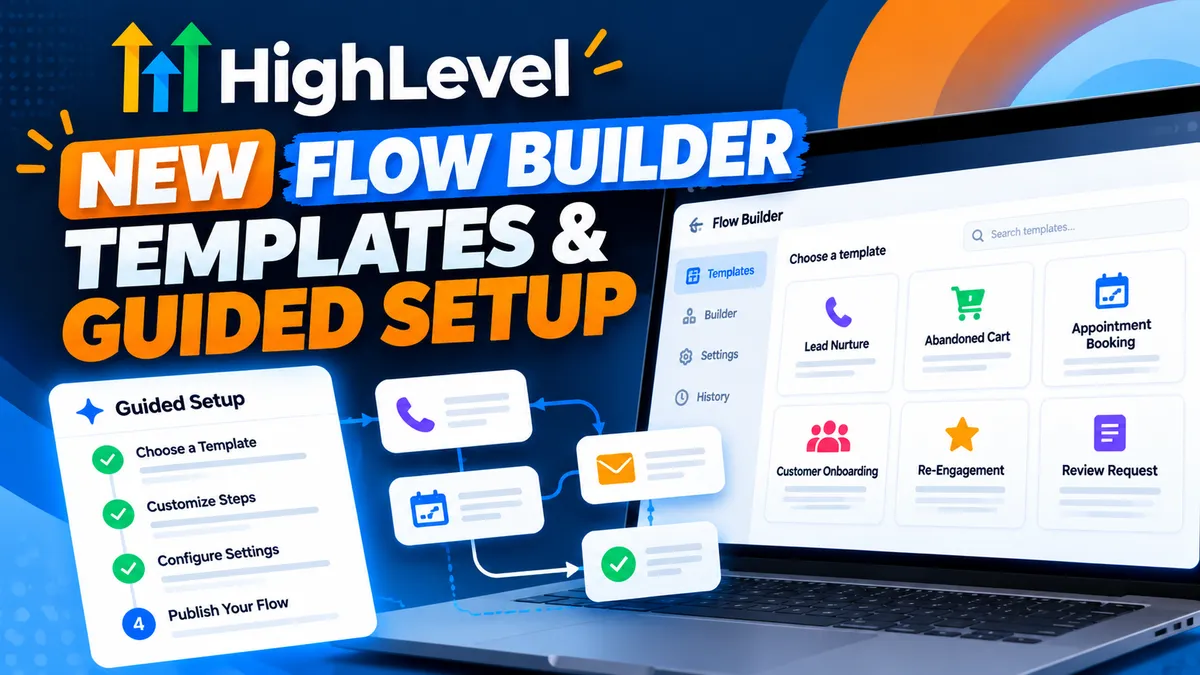
Build Voice AI Agents Faster with HighLevel's New Flow Builder Templates & Guided Setup
Building powerful Voice AI agents just got easier!
HighLevel has introduced ready-made templates and guided setup options for the Voice AI Flow Builder, making it faster and simpler to create, customize, and deploy AI-powered call experiences for your business.
Instead of building every Voice AI flow from scratch, you can now start with a preconfigured structure designed around common business needs.
Whether you're creating an AI receptionist, managing incoming leads, or automating customer interactions, this update helps simplify the setup process and reduce configuration mistakes.
What's New in the Voice AI Flow Builder?
The latest update introduces several improvements designed to make building Voice AI agents more efficient.
🧩 1. Ready-Made Voice AI Templates
No more starting with a blank canvas!
HighLevel now offers templates that provide a starting point for common call scenarios.
These templates can include preconfigured instructions and actions based on the selected use case, giving you a foundation to customize for each business.
Why it matters: You can spend less time building basic call flows and more time refining the customer experience.
⚙️ 2. Guided Setup for Easier Configuration
Setting up Voice AI agents involves several important configurations, and missing a step can impact how your agent performs.
With the new guided setup experience, HighLevel helps walk you through the configuration process.
This includes:
Guided prompts for completing agent setup
Preconfigured instructions based on your selected template
Automatically added actions for supported use cases
Clearer warnings when required configurations are missing
Why it matters: Guided setup makes it easier to launch agents with confidence, even if you're still learning how to build Voice AI flows.
🏷️ 3. New Update Tag Action
Another addition is the Update Tag action within the Flow Builder.
This gives you another way to organize and manage contacts as they move through Voice AI interactions.
For example, tags can help identify contacts based on their needs, interests, or the type of conversation they've had.
This can be especially useful when organizing leads and supporting follow-up automations.
Why it matters: Better contact organization helps businesses create more targeted follow-up experiences and maintain cleaner customer records.
Why This Update Matters for Your Business
Voice AI is becoming an increasingly valuable tool for businesses looking to improve customer communication without adding more work to their teams.
However, building and configuring AI agents can sometimes feel overwhelming.
With templates and guided setup, HighLevel is making Voice AI more accessible and easier to manage.
Here's how your business can benefit:
Faster Setup: Get started with prebuilt structures instead of creating every flow manually.
Fewer Configuration Errors: Guided prompts and warnings help identify missing setup requirements.
More Consistency: Use standardized call flows to create a more reliable customer experience.
Easier Customization: Adapt existing templates to fit your business's specific needs.
Simplified Scaling: Agencies managing multiple business accounts can reuse similar structures and reduce repetitive setup work.
How to Get Started
Ready to explore the new templates?
Open your HighLevel subaccount and navigate to the Voice AI Flow Builder.
From there, explore the available templates and guided setup options, select a use case that fits your business, and customize the instructions and actions.
Before activating your agent, review the configuration and test the flow to make sure it handles calls as expected.
For a complete walkthrough, check out HighLevel's official guide:
Voice AI Flow Builder Templates & Guided Setup – Official Guide
