
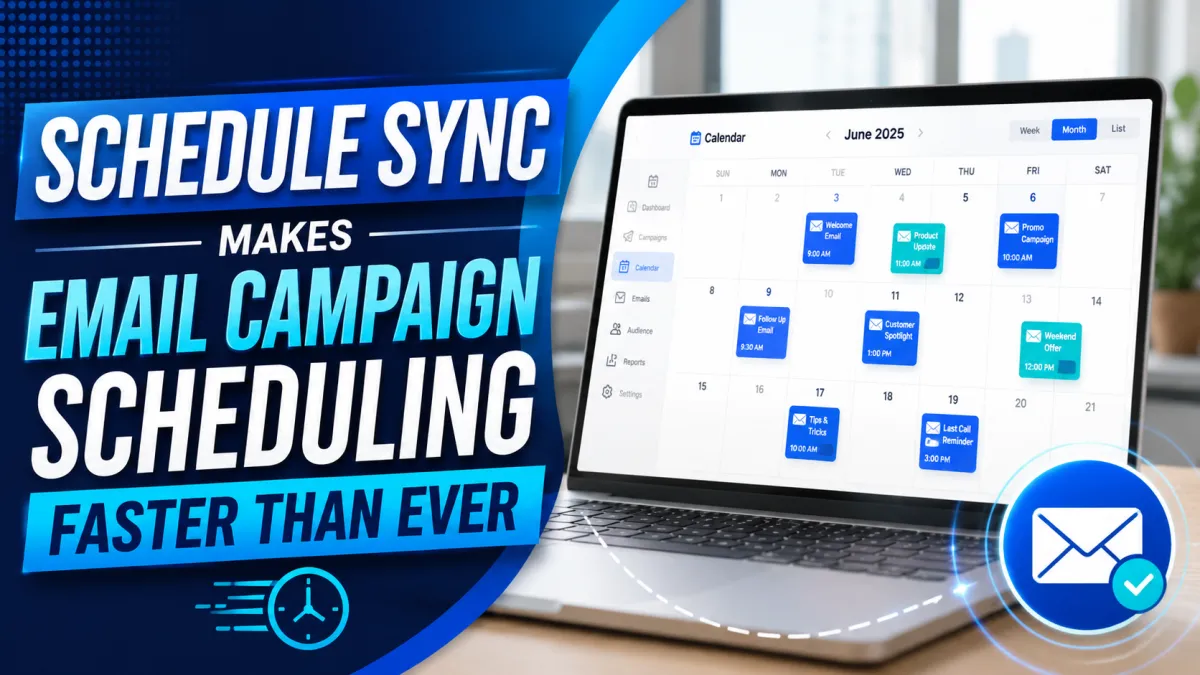
[ProspectReach] Schedule Sync Makes Email Campaign Scheduling Faster Than Ever
Configuring email campaign schedules just became much easier.
We've released Schedule Sync, a new enhancement to the Email Campaign Builder that helps you set up campaign delivery windows in just a few clicks.
Instead of manually configuring every day's sending schedule one at a time, you can now create a schedule once and quickly apply it across multiple days—or even your entire week.
What's New?
With the new Schedule Sync feature, you can:
Copy schedule settings to selected days with a single click.
Apply the same schedule to every day in your campaign.
Create different schedules for weekdays and weekends in seconds.
Whether you're sending daily campaigns or creating more advanced delivery schedules, this update dramatically reduces the time it takes to configure your email timing.

Why This Matters
Small improvements can make a big difference when you're building campaigns.
With Schedule Sync, you can:
Save time during campaign setup.
Eliminate repetitive manual scheduling.
Maintain consistent delivery windows across your campaigns.
Make scheduling changes faster when updating existing campaigns.
It's a simple enhancement that helps streamline your workflow so you can spend less time configuring settings and more time focusing on your marketing.
Where to Find It
You can access this new feature by navigating to:
Email Campaign Builder → Content → Schedule Settings
From there, you'll see the new Schedule Sync options available while configuring your campaign schedule.
We're always looking for ways to simplify everyday tasks and improve your experience. Schedule Sync is another step toward making campaign creation faster, easier, and more efficient.
