
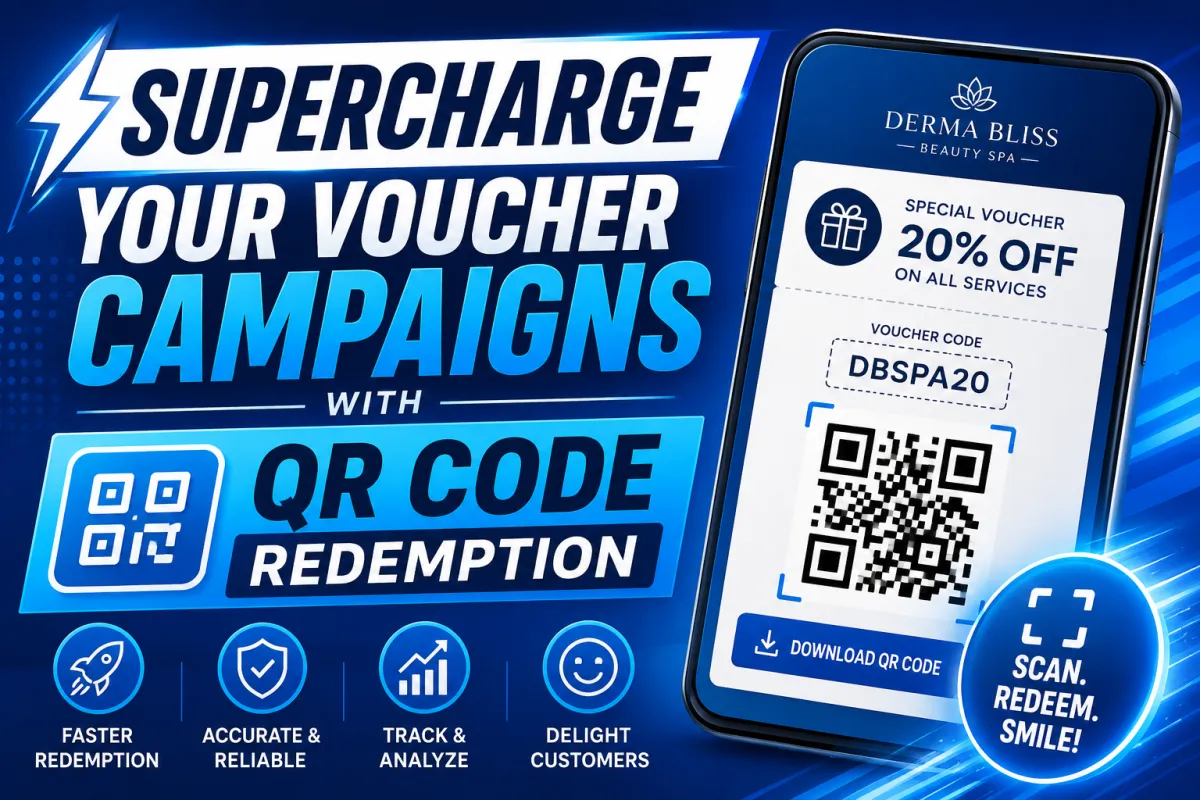
Supercharge Your Voucher Campaigns with QR Code Redemption
Voucher redemption just got a major upgrade.
With the new QR Code feature inside Couponreach, you can now deliver a faster, smoother, and more modern redemption experience for customers — while making voucher management incredibly simple behind the scenes.
No more manually entering voucher codes.
No more slow redemption processes.
Just scan, redeem, and go.
Whether you're running promotions for spas, restaurants, salons, retail stores, or local businesses, this feature helps you create a seamless customer experience from the moment a voucher is received to the second it’s redeemed.
Let’s walk through how it works.
Why QR Code Vouchers Change Everything
The QR Code feature transforms traditional vouchers into instant, scannable digital experiences.
Customers can:
Access vouchers instantly
Download their personalized QR code
Redeem offers in seconds
Businesses can:
Scan vouchers with a webcam or device
Eliminate manual redemption errors
Track all redemption activity in real time
Speed up front-desk and checkout processes
It’s faster.
Cleaner.
More professional.
And much easier to manage.
Step 1: Turn On QR Codes for Your Campaign
Getting started only takes a few clicks.
Inside the Campaign Properties page:
Locate the QR Code section
Enable the QR Code toggle
Click Save
That’s it — your campaign is now ready to generate scannable voucher QR codes automatically.
Step 2: Assign the Campaign to Your Voucher User
Next, head back to the Campaigns List page and select your voucher campaign.
In this example, we’re using:
Derma Bliss Beauty Spa
Now:
Open the menu
Navigate to Vouchers → Voucher Portal
Access the Clients List
Locate your client
Click the Actions dropdown
Select Edit Client
Inside the client profile:
Scroll to the Campaigns section
Select the QR-enabled campaign
Click Save
Your customer is now connected and ready to receive QR-powered vouchers.
Step 3: Customers Receive Their Voucher Instantly
Once the campaign is active, customers automatically receive their voucher message.
This could include:
Voucher details
Redemption instructions
Voucher code
Direct redemption link
When customers open the Redeem Voucher page, they’ll see a beautifully organized voucher display featuring:
Voucher image
Voucher code
Automatically generated QR code
With one click on Download QR Code, the voucher instantly downloads to their device.
Customers can:
Save it on their phone
Present it digitally
Print it out for in-store redemption
Simple. Fast. Convenient.
Step 4: Scan & Redeem in Seconds
This is where the magic happens.
Inside the Voucher Portal, users can launch the scanner from:
The Quick Actions dashboard
The Scan and Redeem menu section
To redeem a voucher:
Open the scanner
Click the green Start Scanning button
Allow camera permissions
Position the QR code inside the scanner frame
The system instantly detects the QR code and automatically redeems the voucher.
No typing.
No searching.
No confusion.
Just point, scan, and redeem.
It works with:
Printed QR codes
Phone screens
Downloaded QR images
Full Visibility with Audit Tracking
Every scan and redemption is automatically recorded inside the Audit Trail section.
This gives businesses complete visibility into voucher activity, including:
Redeemed vouchers
Scan timestamps
Campaign activity
Redemption history
Need to find something quickly?
You can filter records by:
Campaign name
Date
Time scanned
Perfect for tracking campaign performance and maintaining accurate redemption records.
Create a Faster, Smarter Voucher Experience
The QR Code Voucher feature brings speed, automation, and convenience together in one seamless system.
Customers get a modern redemption experience.
Businesses get faster operations and better tracking.
Everyone wins.
From generating vouchers to scanning and redeeming them in seconds, the entire process is designed to be effortless.
Your voucher campaigns just became smarter, faster, and more powerful than ever.
